.png)
How to Reset Solar Breaker Safely at Home

A solar breaker that has tripped can leave your system producing little or no power, even on a clear, sunny day. Knowing how to reset solar breaker equipment safely can help you rule out a simple interruption before scheduling a service visit. But solar is not the same as resetting a bedroom circuit. Your system may have power coming from the utility, solar panels, and possibly a battery at the same time.
The right reset is controlled, deliberate, and limited to equipment you can safely access. If a breaker will not stay on, if you smell burning, see damaged wiring, or have recently had roof work completed, stop there. A recurring trip is a warning that deserves a proper solar diagnostic.
First, Know Which Solar Breaker You Are Looking At
Most homeowners have at least two electrical shutoff points associated with solar. The first is often a dedicated solar breaker inside the main electrical panel. It may be labeled “Solar PV,” “Photovoltaic,” “Inverter,” or with the installer’s name. The second may be an AC disconnect near the electric meter, inverter, or main service equipment.
Some systems also have a DC disconnect near the inverter. This disconnect manages power coming directly from the solar panels before it reaches the inverter. If your home has battery storage, you may also see a battery disconnect, backup gateway, or separate subpanel. These components should not be treated as interchangeable.
A breaker in the OFF position is not always tripped. A tripped breaker commonly sits in a middle position between ON and OFF. To reset it, it must first be moved fully to OFF before it can be turned back ON. That small detail matters because pushing a half-tripped breaker straight toward ON often does nothing.
How to Reset a Solar Breaker Safely
Before touching any electrical equipment, make sure the area is dry and well lit. Do not stand on wet ground, handle exposed wires, or open equipment covers. You should only operate the external handle of a breaker or disconnect. Internal panel components are not homeowner service items.
Use this process when there is no visible damage and your system manual does not call for a different sequence.
1. Check the inverter display or app first. Look for an error message, fault code, or notice that utility power was lost. A message can tell you whether the issue is a breaker trip, grid outage, inverter fault, communication problem, or battery-related event.
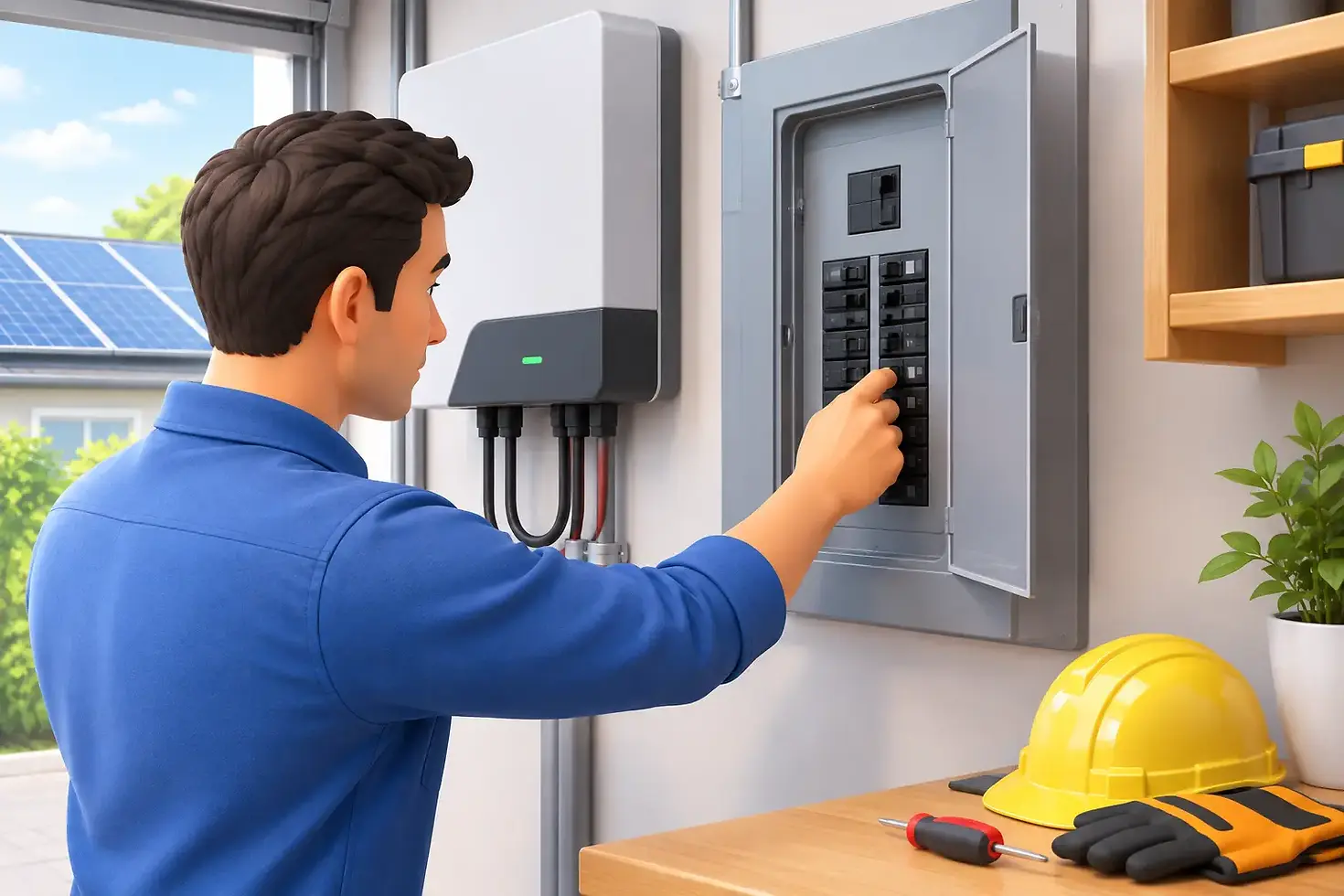
2. Locate the dedicated solar breaker. It is usually in your main service panel or a nearby subpanel. Confirm that it is labeled for solar before operating it. Do not reset the main breaker for the entire house unless a qualified technician instructs you to do so.
3. Move the solar breaker firmly all the way to OFF. Even if it already appears off, push it fully into the OFF position. Wait about 30 seconds. This gives the inverter time to recognize the shutdown.
4. Turn the breaker back to ON. Use a firm motion. If your system includes an exterior AC disconnect that was switched off, return it to ON as well. Then allow the inverter several minutes to restart and complete its normal safety checks.
Most grid-tied inverters do not begin producing instantly. They must verify that utility voltage and frequency are stable before reconnecting. Depending on the equipment, this may take several minutes. During that time, the inverter may show a startup, waiting, or grid-check status.
If your system has a separate manufacturer-recommended shutdown and startup procedure, follow that procedure instead. Battery-equipped systems, in particular, can have a specific order for turning solar, battery, and grid-connected equipment back on.
Do Not Reset a Breaker More Than Once or Twice
A breaker trips to protect wiring and equipment from an abnormal condition. Resetting it repeatedly does not fix that condition. It can make a failing connection, damaged component, or inverter problem harder to identify.
If the breaker trips immediately after reset, leave it off. If it stays on but the inverter displays a fault, take a photo of the message and arrange service. The code, time of day, recent weather, and any recent electrical or roofing work give a technician useful clues.
Why Solar Breakers Trip
A single trip does not always mean your solar system has a serious failure. Grid interruptions, utility work, lightning, or a brief electrical disturbance can cause equipment to shut down. In some cases, a reset restores normal operation.
However, solar breakers can also trip because of issues that need professional attention. These include a failing inverter, loose electrical connections, water intrusion, damaged conduit, an overloaded or improperly configured circuit, or an aging breaker. Critters can also damage wiring around rooftop arrays or exterior equipment. In Utah and Idaho, snow, wind, seasonal temperature swings, and roof maintenance can all add stress to exposed solar components.
A roof replacement is another important scenario. Solar panels should be professionally detached and reinstalled before roofing work begins. If a solar system was moved, disconnected, or worked around during a home upgrade, do not assume a breaker reset is the complete answer. The system should be checked for proper mounting, wiring protection, grounding, and safe operation before it returns to service.
When a Reset Is Not the Right Fix
Call a qualified solar technician rather than resetting the system if you notice heat, buzzing, a burnt odor, discoloration around a breaker, cracked equipment, water inside an enclosure, or exposed wiring. The same applies if your inverter repeatedly reports a ground fault, insulation fault, arc fault, isolation error, or hardware failure.
You should also schedule a diagnostic if the breaker remains on but your production is far below normal. A breaker may not be the problem at all. Dirty panels, shading, inverter issues, module-level equipment failures, communication errors, or a failed production meter can all affect what you see in an app.
Battery owners should use extra caution. During an outage, some battery systems intentionally isolate from the utility and power selected home circuits through a backup panel. Turning off the wrong disconnect can interrupt backup power or alter the system’s operating state. If you are unsure whether your home is in backup mode, leave the equipment alone and get guidance from a solar professional.
Protect Your System After the Reset
Once the inverter returns to normal operation, check your monitoring app later that day or the following day. Production varies with weather and season, so look for a return to your usual pattern rather than expecting one exact number. A clear-day comparison with similar recent days is often more useful than comparing winter output to summer output.
It also helps to keep solar equipment accessible. Avoid blocking the electrical panel, inverter, and disconnects with storage, landscaping, or outdoor furniture. If labels have faded or equipment is not clearly identified, have them updated. Clear labels make future maintenance faster and safer for everyone who works on the home.
For homeowners dealing with repeat shutdowns, roof projects, pest damage, or unexplained production loss, NEX Solar provides practical diagnostics and service focused on protecting both the solar system and the home. A professional inspection can catch small electrical concerns before they become downtime, roof damage, or a larger repair.
A solar breaker should reset with confidence, not guesswork. If the system does not return to normal after one careful reset, leave the troubleshooting to a qualified technician and keep your home investment protected.


Comments